Cobblemon Conquest

You can now choose which Discord pings you get, and get a heads-up 15 minutes before events start.
Want tournament pings but not every changelog?
Pick just that.
🔔 Pick your pings
- Go to #🔔ping-roles in our Discord and click the pings you want.
Click one again to turn it off. - Or type /pings anywhere in our Discord to see all your pings and change them at once.
Only you see your choices. - 🏆 Tournaments: a ping 15 minutes before each tournament (a new format every day).
- 🎉 Events: a ping 15 minutes before
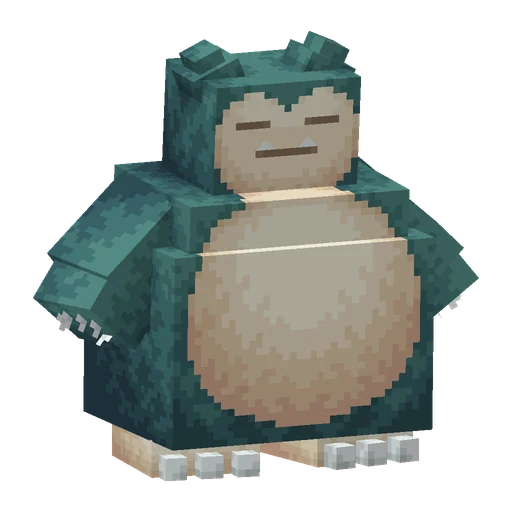
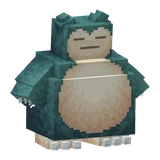 Snorlax Sumo,
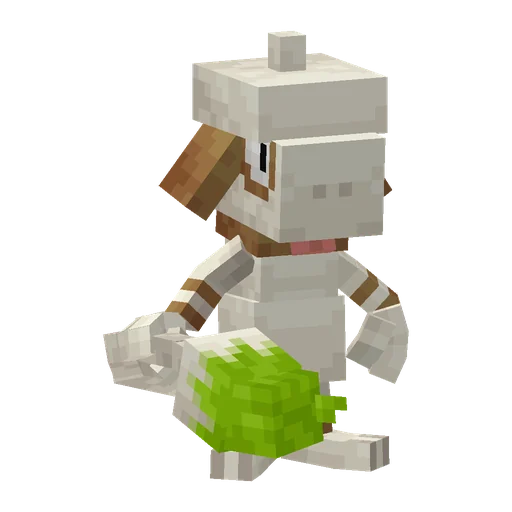
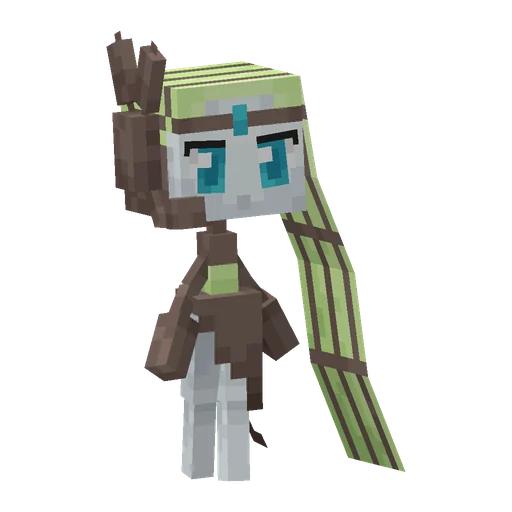
 Smeargle's Pixel Art, Meloetta's Melody and the other server events.
- 🌟 Community Day: a ping when a Community Day starts.
This replaces the @everyone ping, so only players who want it get pinged. - 📝 Changelogs: a ping for every new changelog post, like this one.
- 📣 Announcements: big news from the staff team.
⏰ Event reminders
- Reminders are posted in #events, 15 minutes before each event on the event calendar.
Each one says what the event is and when it starts, in your own time zone. - Type /events in game to join when it opens.